
What Is Streaming?
Streaming is entertainment delivered directly to your device over the internet — no cables, no satellite dishes, no complicated installation. With Stream Max Media, you get instant access to live TV, sports, movies, kids channels, and both local Caribbean and international content, all on demand.
Lower Costs
Pay only for what you want. No overpriced cable bundles or hidden fees.
More Content Options
Thousands of titles at your fingertips — live TV, sports, movies, news, and more.
Watch Anywhere
Stream on your TV, phone, tablet, or laptop — flexibility that cable can't match.
No Long-Term Contracts
Upgrade, downgrade, or cancel anytime. You're always in control.
Why Cut Cable? Traditional cable is expensive, limits your choices to pre-set channels, locks you into long contracts, and requires complicated installation. Streaming puts you in charge — choose what you watch, when you watch it, and pay less.
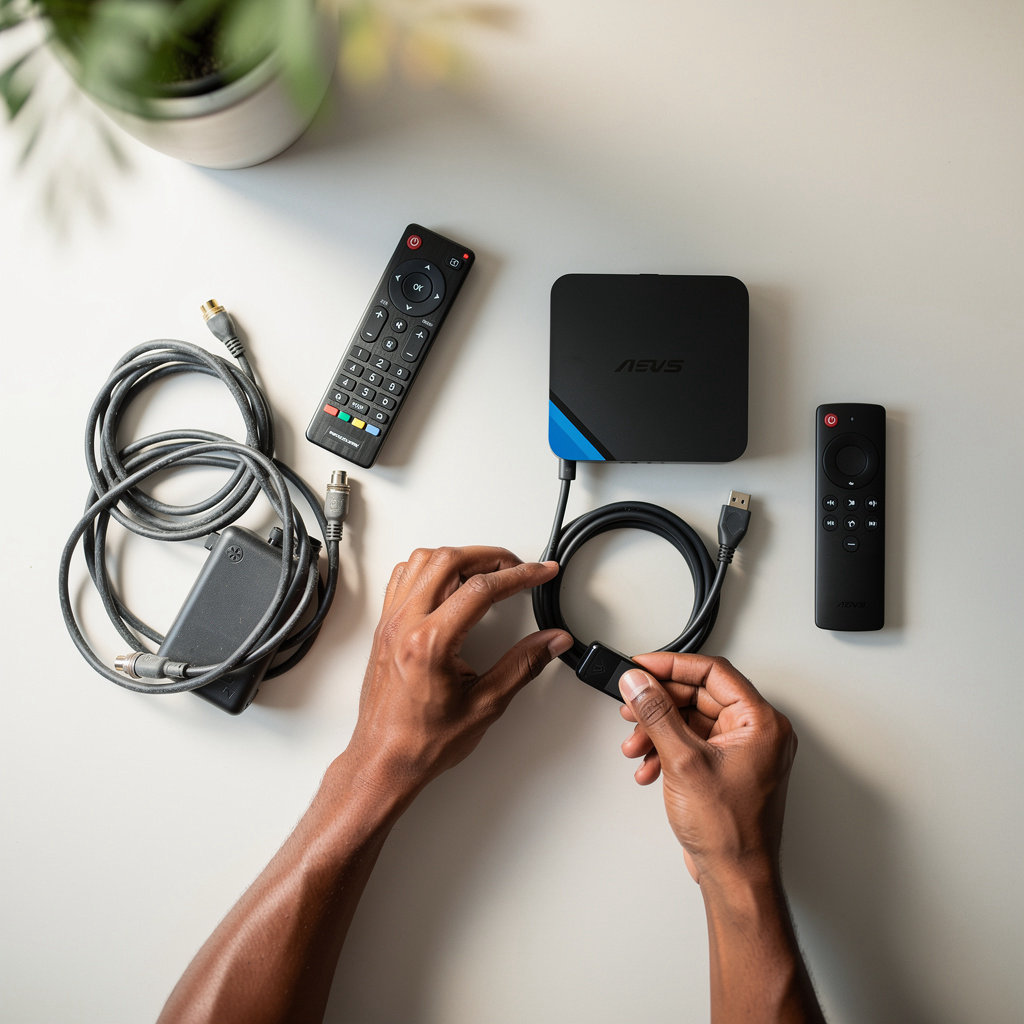
Device Setup Made Simple
Setting up your streaming device doesn't have to be complicated. Follow these straightforward steps, and you'll be watching your favorite content in minutes. Stream Max Media is here to help every step of the way.
Choose Your Device
Select the device you want to stream on: your TV, a dedicated streaming box, smartphone, or tablet. Stream Max Media works with all major platforms.
Download & Install Apps
Download the streaming apps you need from your device's app store. Installation is automatic — just tap, wait, and you're ready.
Sign In
Open each app and sign in with your Stream Max Media account credentials. Your subscription unlocks access to all available content immediately.
Optimize Settings
Adjust quality settings based on your internet speed. Higher quality requires faster internet — we'll help you find the perfect balance.
Start Streaming
Browse your content library, find what you want to watch, and start enjoying seamless entertainment right away.
We're Here to Help
Setup shouldn't be a solo mission. Stream Max Media provides personalized setup assistance for all customers. If you get stuck at any step, reach out via email or WhatsApp and our team will walk you through it.
Most customers complete setup in under 10 minutes with our guidance.
Common Setup Questions
What devices does Stream Max Media support?
Stream Max Media works on smart TVs, streaming devices (Roku, Fire TV, Apple TV), smartphones, tablets, and laptops. As long as your device can install apps and connect to the internet, you're good to go.
Do I need fast internet to stream?
We recommend at least 5 Mbps for standard quality and 25 Mbps for 4K quality. You can adjust quality settings in your apps to match your internet speed. Our team can help you optimize your setup for the best experience on your connection.
Can I use the same account on multiple devices?
Yes. Your Stream Max Media subscription allows you to access content on multiple devices. Sign in with the same account on each device, and you're set. Contact us if you need guidance on multi-device setup.
What if I'm having technical issues?
Common issues like buffering or app crashes are usually fixed by restarting your device or checking your internet connection. If problems persist, email us at streammaxmedia@gmail.com or reach out on WhatsApp, and we'll troubleshoot with you.
Ready to experience seamless streaming? Start with a free trial and see how easy it is. No credit card required — just sign up and start watching.
Optimizing Your Viewing Experience
Get the best streaming quality and performance with practical tips for internet speed, device placement, network optimization, and more. Stream Max Media helps you enjoy seamless, high-quality entertainment across all your devices.
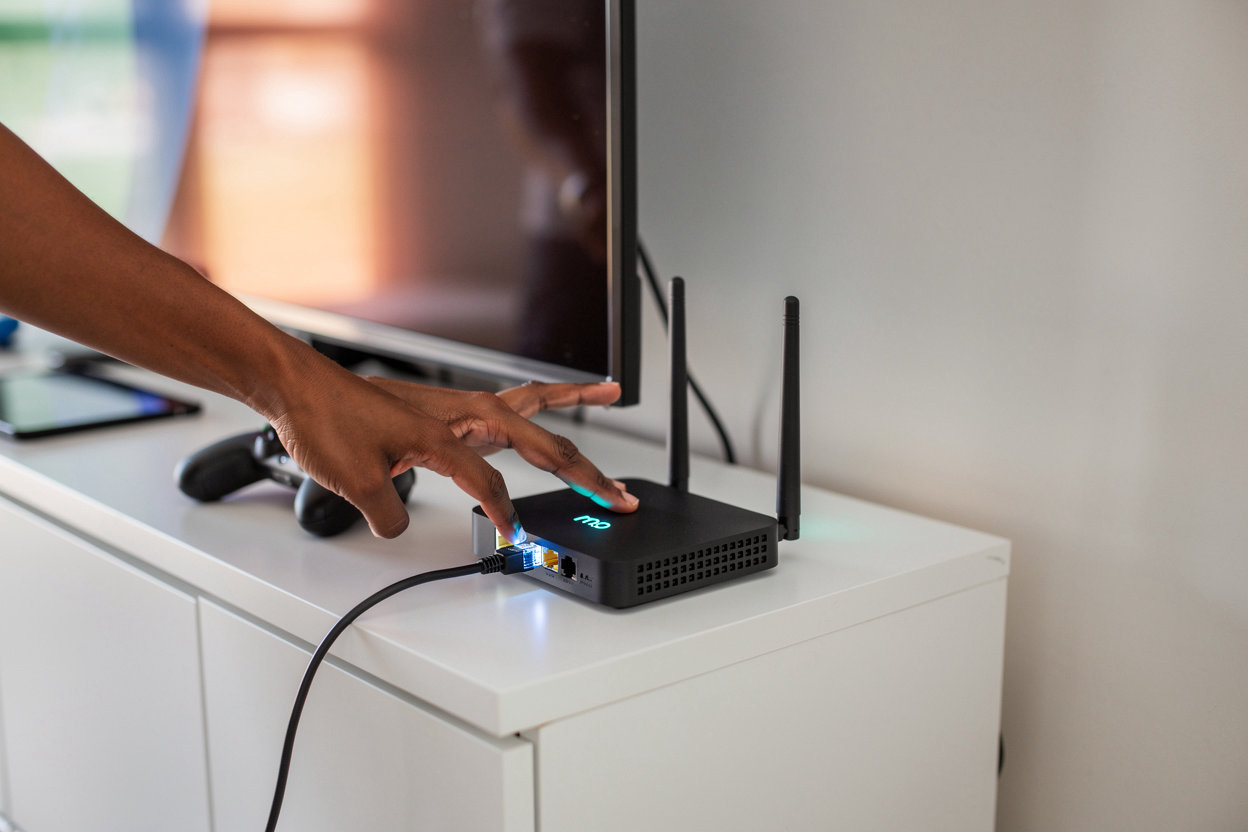
Internet Speed Requirements
For smooth streaming, ensure your internet meets these minimums:
- • HD Quality: 5 Mbps minimum
- • 4K Quality: 25 Mbps minimum
- • Multiple Devices: Add 5 Mbps per device
Test your speed at speedtest.net to confirm your connection meets these requirements.
WiFi vs. Ethernet: Which Is Best?
Ethernet (Recommended): Direct cable connection provides the most stable, fastest connection — ideal for primary streaming devices.
WiFi: Convenient and wireless, but signal strength matters. Position your router centrally and away from obstacles for best performance.
Tip: If using WiFi, keep your device within 30 feet of the router for optimal speed.
Device Placement & Settings
Optimize your streaming device for best performance:
- • Keep devices well-ventilated to prevent overheating
- • Position streaming boxes away from other electronics
- • Restart your device weekly for optimal performance
- • Keep firmware and apps updated automatically
Quality Settings & Resolution
Adjust quality based on your internet speed:
- • Auto Quality: Recommended — adjusts automatically
- • Buffering Issues? Lower quality temporarily
- • Fast Connection? Enable highest quality available
Most apps allow quality adjustments in settings — check your specific app for options.
Managing Multiple Devices
Streaming on multiple devices at once? Here's how to optimize:
- • Limit simultaneous streams based on your plan
- • Use ethernet for main TV, WiFi for secondary devices
- • Pause unused streams to free up bandwidth
Troubleshooting Common Issues
Buffering? Check your internet speed and reduce quality settings.
App Freezing? Restart the app or your device and clear cache.
Connection Drops? Move closer to your WiFi router or switch to ethernet.
Need additional help? Contact our support team — we're here to help.
Pro Tips for Maximum Performance
Peak Hours: Streaming can be slower during evenings (6-10 PM). If you experience issues, try streaming at off-peak times.
Router Placement: Keep your WiFi router in a central location, elevated, and away from walls and metal objects for better coverage.
Regular Updates: Keep your streaming apps and device firmware updated for the latest performance improvements and features.
Close Background Apps: On phones and tablets, close unnecessary apps running in the background to free up memory and bandwidth.
Still having issues? Our team is ready to help with personalized setup and optimization assistance.
Email SupportStreaming Is the Future of Entertainment
Stream Max Media makes setup and management simple. Cut the cable, access more content, and pay less — all without the headaches of traditional TV.
No credit card required for the free trial. Upgrade anytime.
Why Stream Max Media?
Affordable
Flexible plans that fit your budget, starting with a free trial.
Flexible
Choose 1, 3, 6, or 12 month plans. Upgrade or downgrade anytime.
Convenient
Stream on any device. Access live TV, sports, movies, and more.
Supported
Ongoing customer support to help you every step of the way.